




Table of Contents
Quick Summary
- Choosing the right machine starts with understanding the materials, sheet thicknesses and products you plan to manufacture.
- Compare fibre and CO₂ laser technology to identify the most suitable option for metal fabrication.
- Explore different power ratings and their applications, from decorative grills to heavy metal plates.
- Learn how cutting thickness, worktable dimensions and material handling affect production quality and efficiency.
- Understand the importance of chillers, fume extractors and cutting software.
- Evaluate machine pricing, after-sales support and common purchasing mistakes before making an investment.
1. Start With the Workpiece
Most first-time buyers do this backwards: they compare machines by power first and think about the product second. The right order is the opposite. Write down what you will actually cut in a normal month – material, thickness, and the largest sheet size – and the machine nearly specifies itself.
A balcony grill or decorative jali screen is usually 1.5–3 mm mild steel, occasionally stainless for coastal homes. Stainless steel kitchenware – cookware bodies, cutlery, sink panels, trivets – lives almost entirely below 3 mm. Both fall comfortably in the entry range of fiber laser power, which is why small fabrication shops can serve this market with one well-chosen machine.
The mistake is buying for the one heavy job you might see once a year. A machine sized for a rare 20 mm plate cuts your daily 2 mm grill slowly and expensively: thick-plate settings waste gas, and the oversized machine sits idle most of the day. Buy for your average workload, and sub-contract the rare heavy plate.
2. Fiber vs CO₂
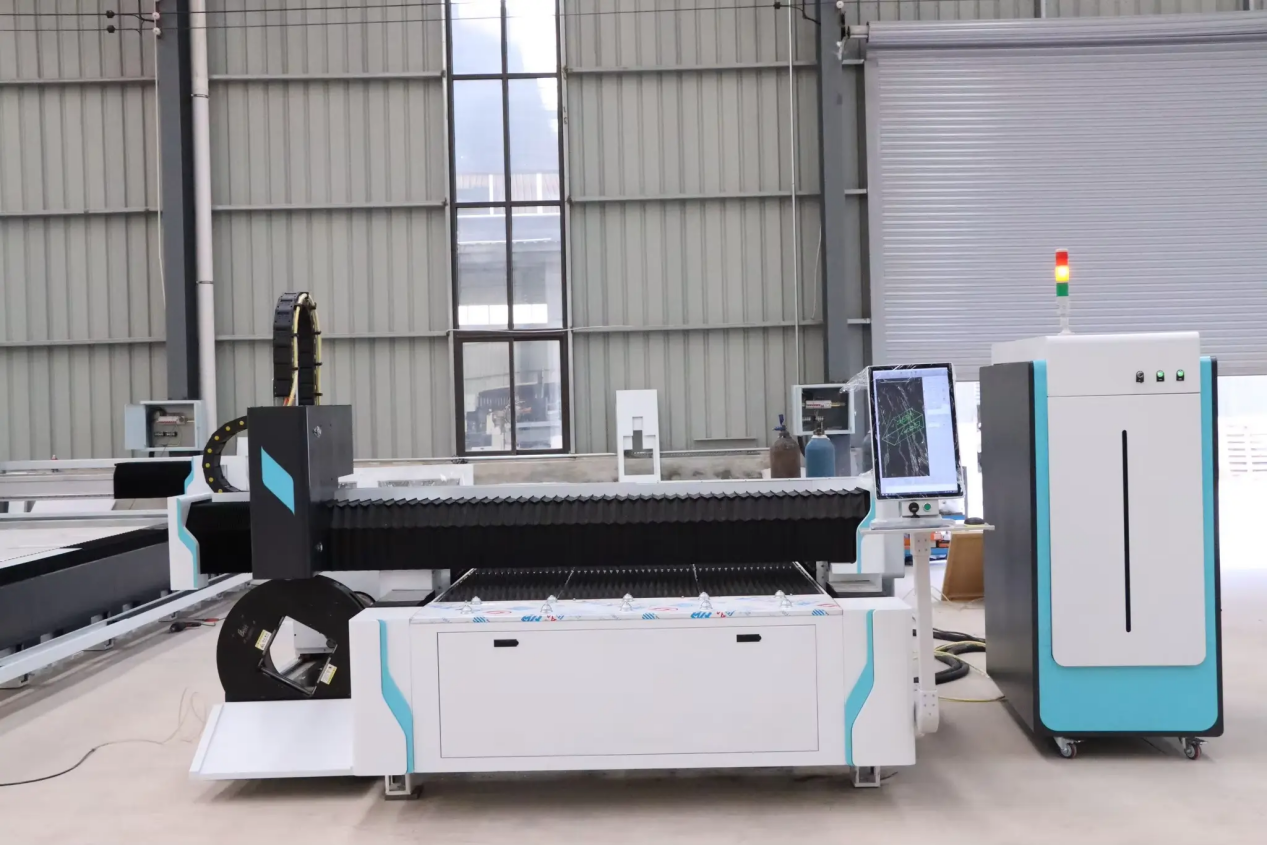
If your work is metal, the decision is mostly made. A fiber laser delivers its beam through a fibre optic cable and concentrates it through solid-state optics, which suits reflective metals – stainless steel, aluminium, brass, copper. Older CO₂ machines reflect some of that energy back off shiny stainless surfaces and need mirrored beam paths that go out of alignment.
For a buyer, three practical differences matter:
- Running cost. Fiber machines are significantly more efficient electrically, and they do not consume laser gas. CO₂ machines need regular gas bottle and optics maintenance.
- Maintenance. A fiber source has no mirrors to align. Most maintenance is the chiller, the lens, and the nozzle.
- Thin-sheet finish. On stainless below 3 mm, fiber produces a bright, clean edge – important for kitchenware, where the cut edge is visible and sometimes food-adjacent.
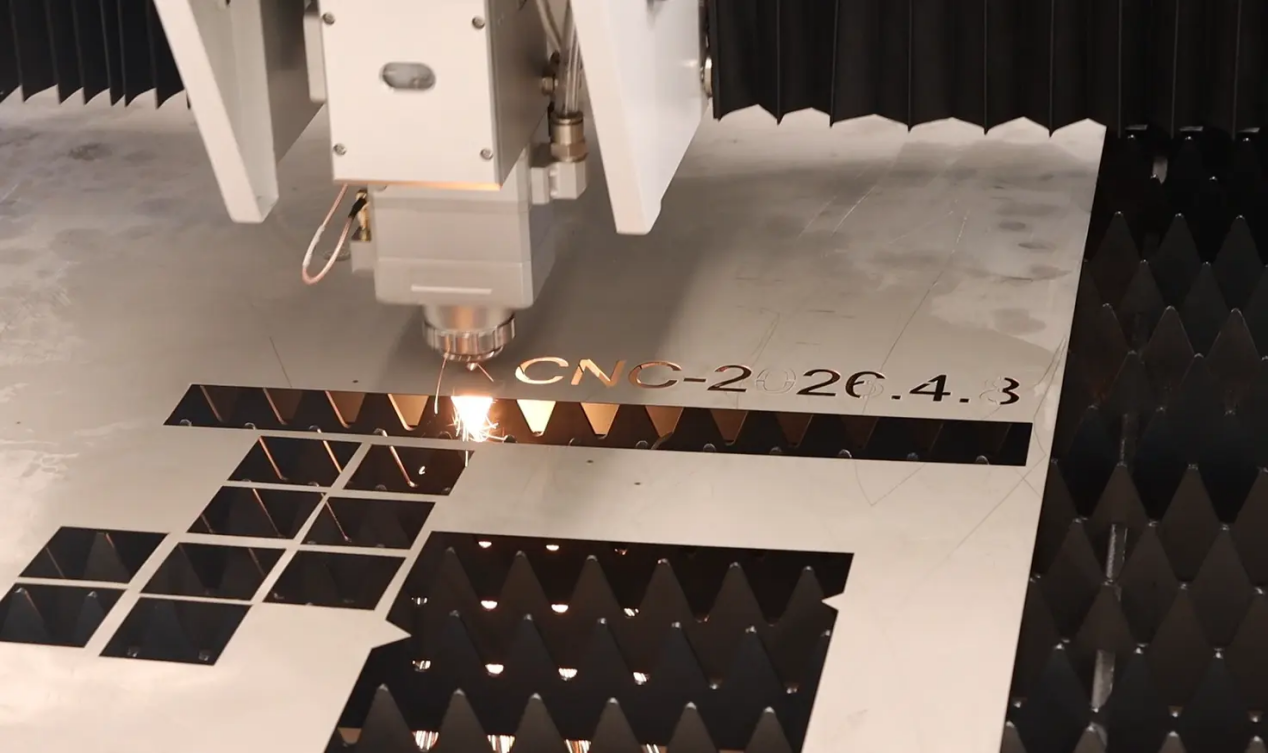
CO₂ still has a place for acrylic, wood and some plastics. But if the plan includes grills, jali and steel kitchenware, fiber is the sensible default. For kitchenware in particular, a stainless steel sheet metal laser cutting machine is normally configured with nitrogen assist, so the visible edge stays bright without a second polishing step.
3. Power Ratings: What Each Tier Actually Cuts
Power ratings are the most misunderstood line in the catalogue. Higher wattage does not only mean “cuts thicker” – it also means faster at the same thickness, which changes cost per part. These are realistic working ranges for mild steel and stainless with a fiber laser cutting machine:
| Power | Comfortable range | Typical work |
| 1–1.5 kW | 0.5–6 mm | Grills, jali screens, signage, thin decorative panels, and most kitchenware parts – the sweet spot for balcony-railing and home-decor fabrication. |
| 3–6 kW | 3–16 mm | Door frames, gate structures, thicker brackets, small structural work. Roughly two to three times faster than 1.5 kW on thin sheet. |
| 12 kW and above | 20 mm+ plate | Heavy plate, bevel cutting, industrial throughput – for full-time fabrication plants, not occasional screen work. |
Shops that run their thin decorative work on a 1.5 kW-class machine and reserve big machines for plate are showing you, for free, where your own money should go.
4. The Thickness Chart
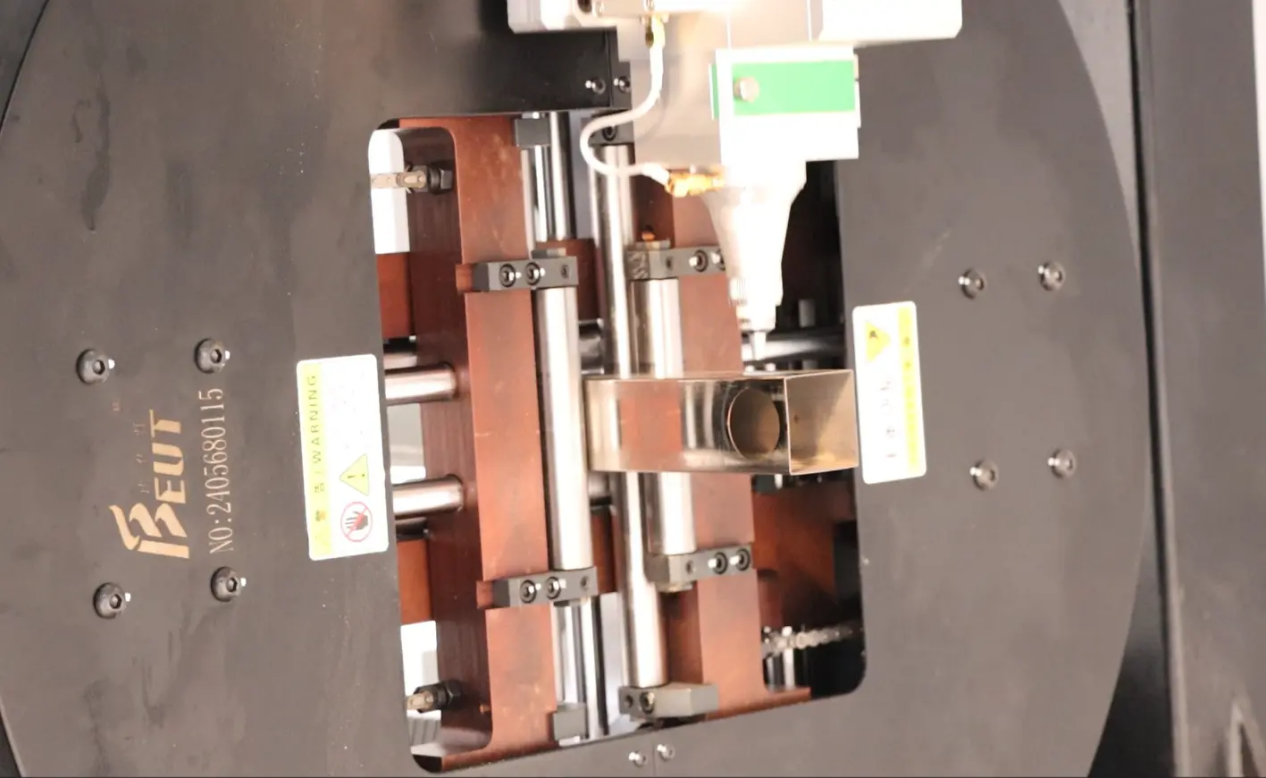
Whatever the salesman’s maximum-thickness claim, plan around a comfort zone of roughly 60–70% of it. The last few millimetres before a machine’s limit cost disproportionately: cut speed drops, edge quality degrades, and dross (slag clinging to the bottom edge) appears.
Two details decide whether decorative work comes out clean:
- The minimum hole a laser can cut reliably is about the thickness of the plate. A 3 mm sheet will not hold a crisp 1 mm pattern hole – the design gets “simplified” at quoting stage. Draw feature widths and slot widths no smaller than the plate thickness.
- Edges you plan to leave visible (a kitchen trivet, an exposed screen border) should be cut with nitrogen on stainless for a bright edge, or deburred after oxygen cutting on mild steel. Ask the supplier which assist gas setup they include at each power level.
5. Worktable Size and Material Handling
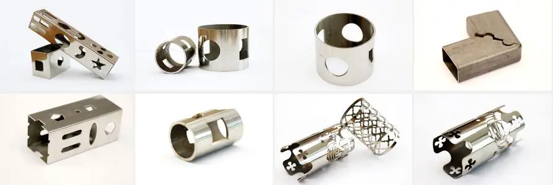
Standard sheets in most workshops are 4 × 8 feet (about 1250 × 2500 mm). Buying a smaller table saves money but turns every full sheet into two handling steps and two programs. Buying a much larger table for occasional long pieces rarely pays back.
Check three practical points: whether the table accepts slightly-wavy sheet without crashing the nozzle; how offcuts are removed; and whether the machine’s nesting software uses the remnant of a half-used sheet. On thin decorative work, material utilisation is often the difference between profit and loss.
6. The Supporting Cast: Chiller, Extractor, Software
Three components quietly decide whether the machine runs for years or frustrates you:
- Chiller. The laser source dumps heat into water, and the chiller removes it. An undersized chiller throttles duty cycle on hot days – the machine cuts fine for twenty minutes, then derates. Match the chiller to the source; do not economise here.
- Fume extraction. Cutting metal produces fume and fine dust that must leave the building. An extractor sized for the table keeps optics clean and the workshop breathable.
- Software. Ask to see the cutting software live, with your own drawing imported. A DXF that opens cleanly and nests well on day one tells you more than any demonstration cut on their sample plate.
7. What Actually Determines the Price
The resonator (laser source) is the headline number, but the final quote moves with the whole system: cutting head brand, chiller class, table construction, servo motors, and software licences. After-sales structure matters as much as hardware – spare-part availability, remote diagnostics, and who is responsible when the lens fails mid-job.
Ask every supplier to quote the same configuration, itemised. Quotes that bundle everything into one number hide where the money went – and usually, where it was saved.
8. Five Buying Mistakes
- Buying maximum power for a thin-sheet product. A 6 kW machine for 2 mm grill work burns gas and capital for speed you will never sell.
- Ignoring duty cycle. If the chiller and source cannot run an 8-hour shift in your climate, the effective machine is half of what you paid for.
- Judging by demonstration cuts only. Suppliers show their best plate. Send your own drawing and your own material if possible.
- Forgetting installation realities: floor loading, three-phase power, water quality for the chiller, and where the extracted fume will actually go.
- Choosing the cheapest consumables supply. Lens and nozzle prices look trivial until you calculate them per part over a year.
Also Read: Maximising Your Square Footage: Creative Ways to Use Sliding Doors for Home Transitions
Frequently Asked Questions – Fiber Laser Cutting Machine
Q1. What size laser do I need for balcony grills and jali screens?
For 1.5–3 mm mild or stainless steel, a 1–1.5 kW fiber machine is the working sweet spot. Choose 3 kW only if you regularly cut thicker frames or need faster throughput.
Q2. Can one machine cut both grills and stainless steel kitchenware?
Yes. Fiber sources handle mild steel and stainless equally well on thin sheet. Kitchenware adds a finish requirement – bright, dross-free edges – which is solved by nitrogen cutting rather than a different machine.
Q3. Is a bigger machine faster on thin sheet?
Yes, roughly two to three times between tiers, but you pay for that speed in capital, power and gas every month. Buy speed only when order volume justifies it.
Q4. How long should a fiber laser source last?
Fiber sources are solid-state and typically rated for very long service lives – in the tens of thousands of operating hours – with the chiller and optics as the main maintenance items.
Q5. What should I check before finalising a purchase?
Cut your own drawing on your own material, ask for an itemised quote on an identical configuration across suppliers, confirm chiller sizing for your local summer temperatures, and get spare-part prices and delivery times in writing.
Courtesy - Featured Image(Magnific)
Author & Expert Review
Written & Verified By:  Farhan Shaikh – Senior Manager – Architect, SDCPL | Associate Member – IIA

| Credentials: Senior Manager – Architect at Sthapati Designers & Consultants Pvt. Ltd. and Associate Member of the Indian Institute of Architects (IIA). Experience: Architect with hands-on experience leading architectural and interior design projects at SDCPL, including architectural planning, interior design, project coordination, and sustainable design strategies. Expertise: Specializing in architectural planning, interior design, project coordination, and sustainable design. He reviews content to ensure it reflects practical design considerations, industry best practices, technical accuracy, and real-world applicability across architecture and interior spaces. Find him on: Linkedin |