





Table of Contents
Quick Summary
- Learn why people often appear in property and interior photographs and when removing them makes sense.
- Understand how AI tools reconstruct backgrounds after a person is removed.
- Find out which areas need extra attention, including mirrors, tiles, cabinets, furniture and reflections.
- See how to handle people in exterior property photographs and busy surroundings.
- Follow a practical editing workflow that combines AI removal with careful manual corrections.
- Check important privacy, accuracy and property-presentation considerations before publishing the final image.
Courtesy - Magnific
Real estate and interior photography is designed to make a space easy to understand. Potential buyers, renters, clients, and visitors want to see the layout, light, materials, and overall condition of a room. When people are walking through the frame, the main features can become harder to notice.
A person in a hallway may block a doorway. Someone standing near a kitchen island can cover the cabinets. A visitor in a hotel lobby or show home may distract from the design. Retaking the photo is not always possible, especially when the location is busy or the image records a unique moment.
For a quick cleanup, a photographer can use remove person from photo online free to test a version without the unwanted figure. The result should be reviewed carefully, because removing a person also requires rebuilding the background behind them.
Why People Appear in Property Photos
It is difficult to keep every interior or exterior scene empty. People may appear because:
- the property is open to visitors,
- the photo was taken during a viewing,
- a staff member is preparing the space,
- the location is in a busy public area,
- the photographer needs someone to demonstrate scale,
- the image comes from a real event.
Sometimes people are useful. A person can show the size of a room, the height of a ceiling, or the relationship between furniture and space. If the person is not part of the intended composition, however, they may need to be removed for the final listing or presentation.
Choose the Right Source Image

Courtesy - Magnific
Removal works best when the unwanted person is clearly separated from important architectural details. A person standing in front of a plain wall may be easier to remove than someone blocking a patterned tile floor, a detailed railing, or a glass door.
Before editing, check:
- whether the person covers essential information,
- whether the background is visible around them,
- whether shadows overlap nearby objects,
- whether reflections include the person,
- whether multiple people are touching or overlapping,
- whether the image is sharp enough.
If a person covers an entire doorway or a distinctive piece of furniture, the tool has less information to rebuild. A different photo may produce a more reliable result.
How AI Removal Reconstructs the Background
An AI removal tool analyzes the area around the person and estimates what might continue behind them. It uses nearby colors, textures, lines, and shapes to fill the selected region.
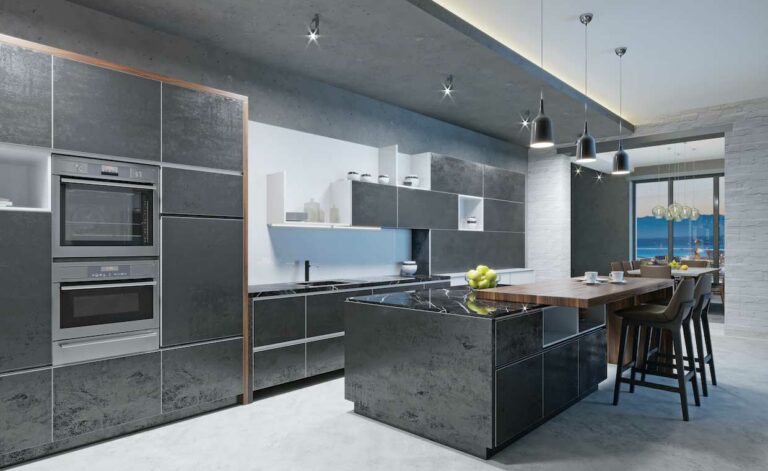
In a simple wall, the result may look natural. In a kitchen, the tool may need to recreate cabinet edges, handles, counters, tiles, and reflections. The more structured the background, the more carefully the final image needs to be checked.
The tool is creating a visual approximation. It is not recovering a hidden photograph of the room. This distinction matters when the image is used for professional or factual purposes.
Removing a Person from an Interior

Courtesy - Magnific
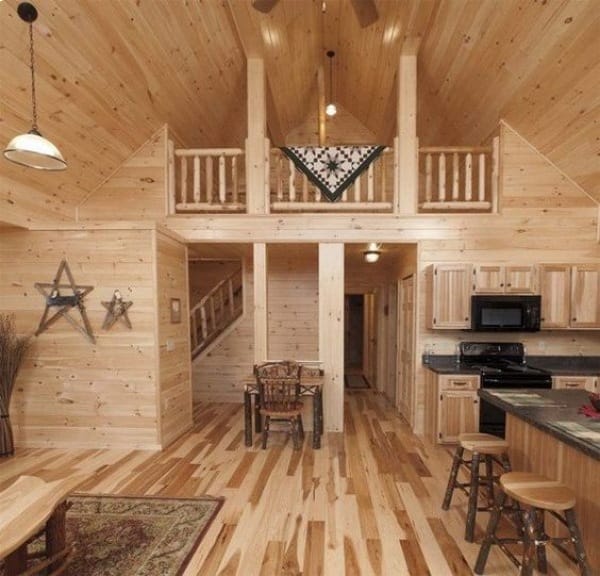
Interior rooms contain many straight lines and repeated patterns. Walls, floors, cabinets, shelves, and windows create visual structure that can reveal errors.
After removing a person, check:
- vertical wall lines,
- floor seams,
- cabinet doors,
- tile patterns,
- furniture edges,
- window frames,
- shadows,
- reflections.
A small distortion may be visible when the image is enlarged. If the edit creates a strange line or repeated pattern, try selecting a smaller area or use a different source image.
Kitchens and Bathrooms
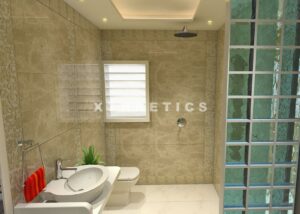
Kitchens and bathrooms require extra care because they include repeated surfaces and hard edges. A person may cover cabinet doors, appliances, counters, sinks, or mirrors.
Mirrors are especially difficult. The reflection may include the person, the camera, and the surrounding room. Removing only the body while leaving an inconsistent reflection can make the result look unnatural.
Review the edited area from several distances. A close view helps identify broken edges, while a smaller view shows whether the room still feels coherent.
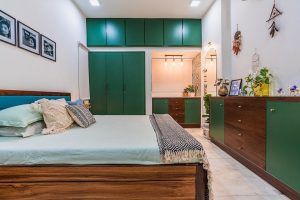
Living Rooms and Bedrooms
Courtesy - Magnific
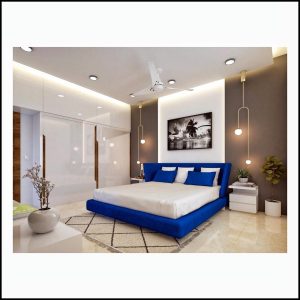
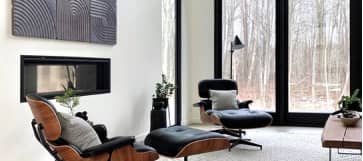
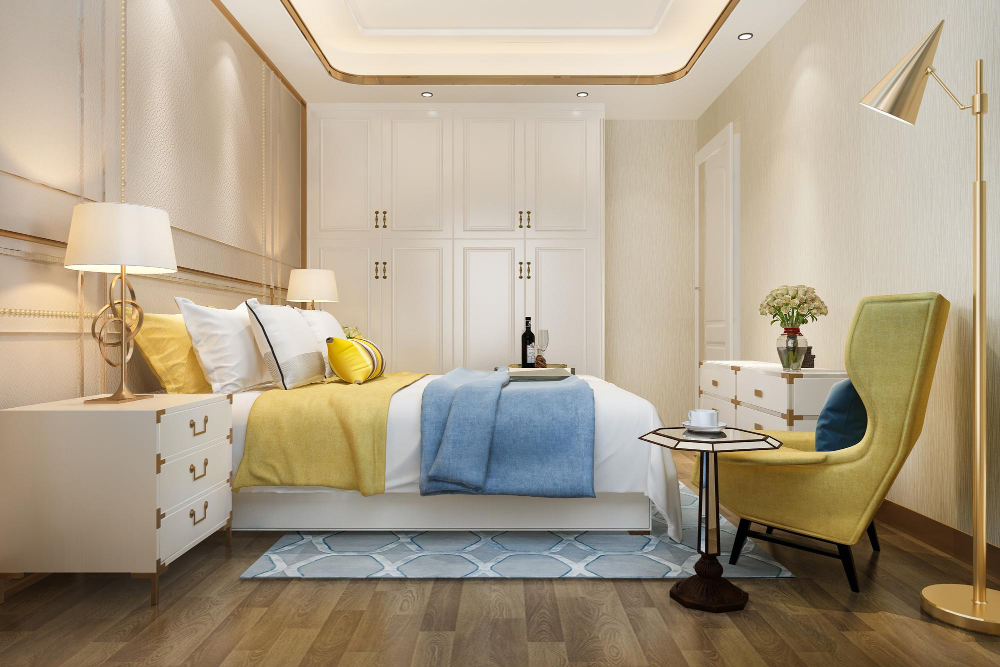
Living rooms and bedrooms often contain soft furnishings, rugs, curtains, and decorative objects. These surfaces may be easier to extend than detailed cabinetry, but they can still contain patterns that repeat incorrectly.
Check cushions, blankets, carpets, artwork, and lamps after removal. If the person’s shadow falls across a rug or floor, make sure the remaining shadow direction still matches the room’s lighting.
Do not remove a person if doing so also removes evidence of furniture scale that the listing needs. In that case, consider using a second clean image rather than changing the only available view.
Exterior Property Photos
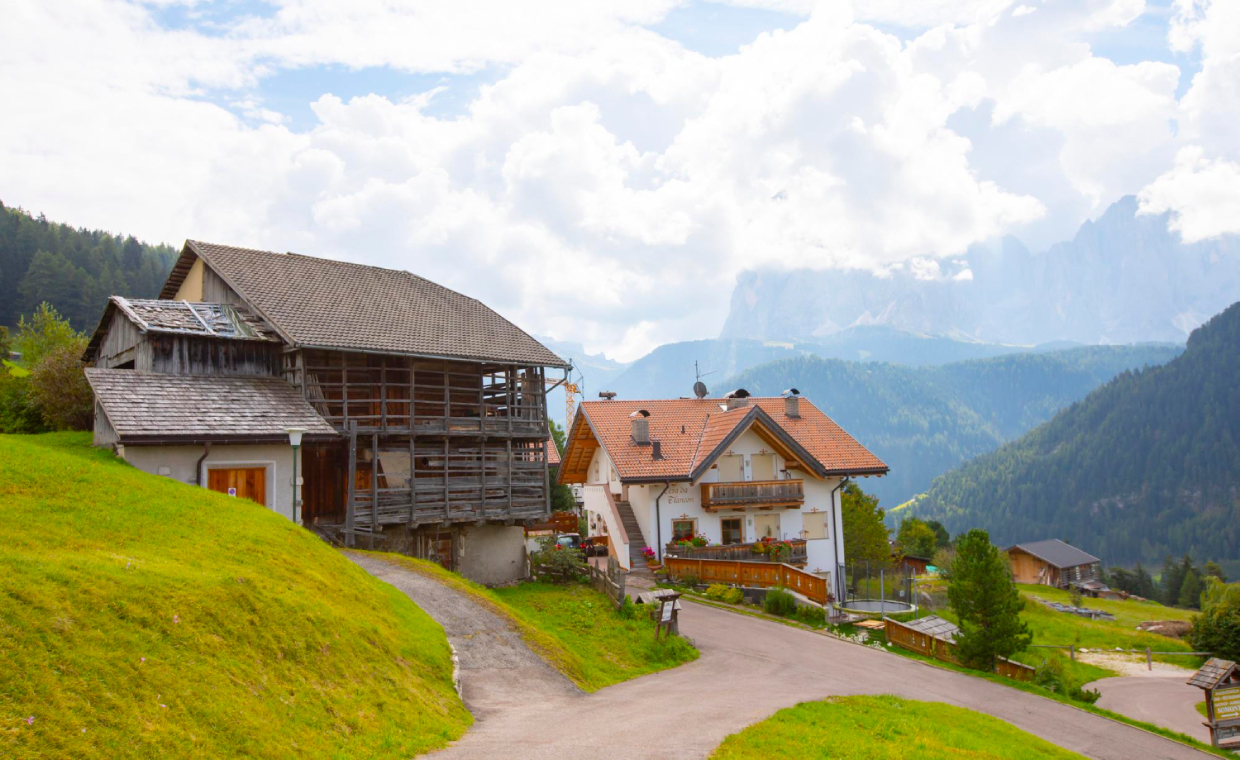
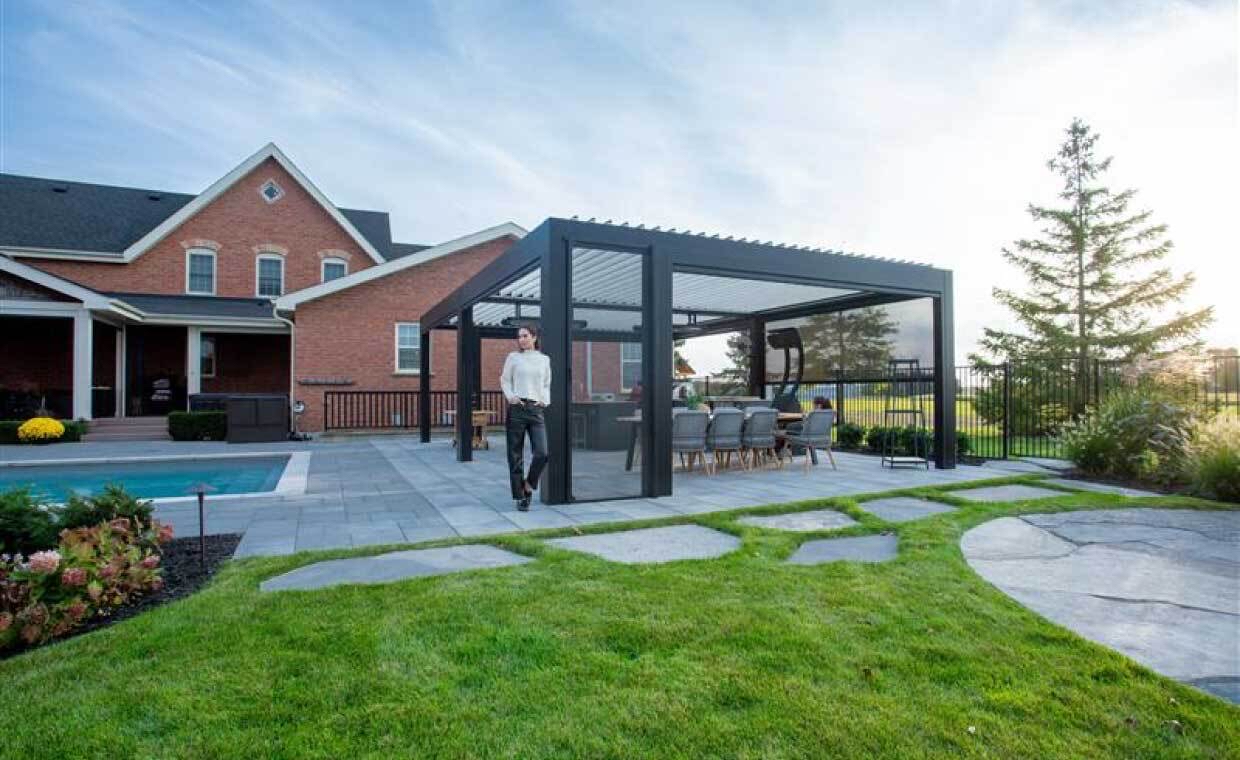
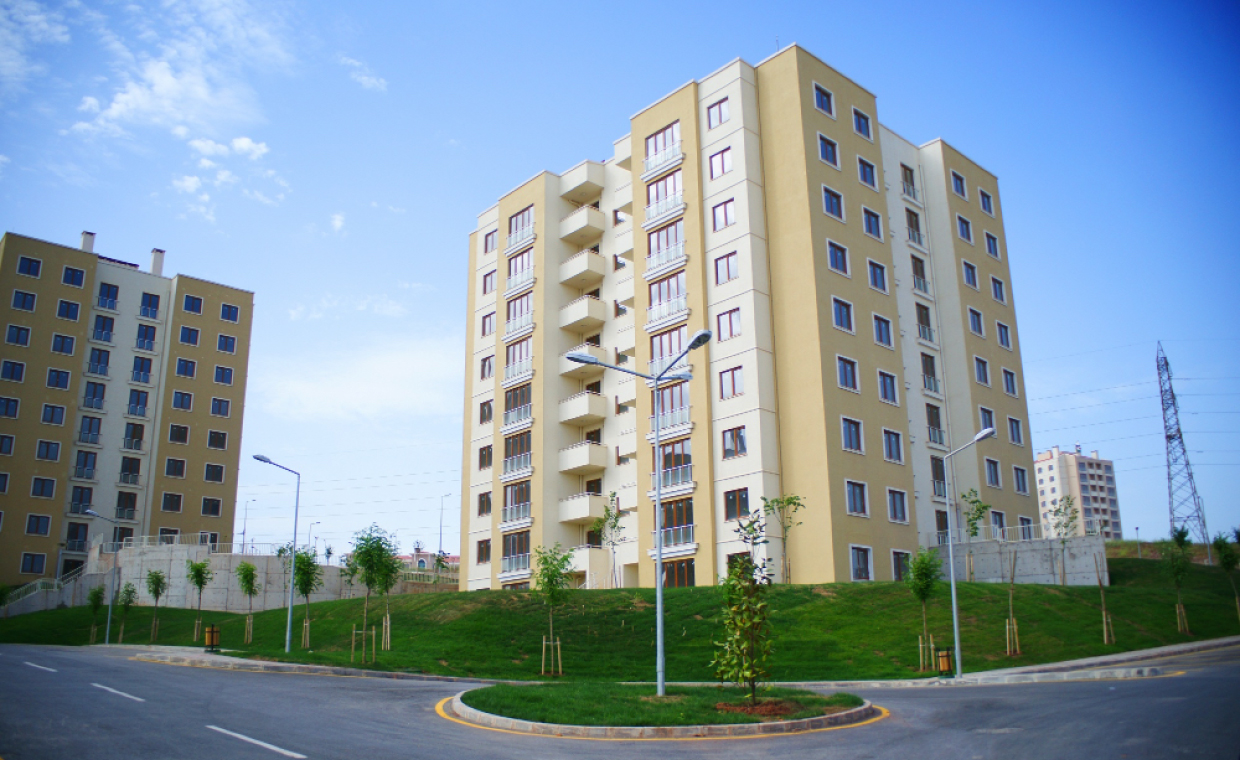
Exterior photos may include pedestrians, neighbors, parked vehicles, or staff members. Removing a person can make a building entrance or garden easier to see.
Outdoor scenes introduce additional challenges:
- moving shadows,
- trees and leaves,
- fences,
- paving,
- road markings,
- weather changes,
- reflections in windows.
A person walking across a plain lawn may be easy to remove. Someone standing near a detailed fence or building edge may require more careful editing.
Privacy and Legal Considerations

Courtesy - Magnific
Removing a person from a photo can protect privacy, but it does not automatically solve every rights issue. If the image includes identifiable people, confirm that the photographer and property owner have the right to edit and publish it.
Do not use removal to hide a safety issue, structural problem, or condition that a viewer should know about. The purpose should be to clean the composition, not to misrepresent the property.
For real estate listings, promotional materials, and client presentations, keep an original copy and a record of significant edits.
Avoid Changing the Property
The main building and interior features should remain accurate. An editing tool may accidentally change:
- the size of a room,
- the position of a doorway,
- the shape of a window,
- the material of a wall,
- the number of shelves,
- the layout of furniture,
- the appearance of a fixture.
Compare the edited image with the original. If the removal alters an important property detail, use another image or perform a more controlled manual edit.
Removing Multiple People
Multiple people can overlap or create connected shadows. Removing everyone at once may produce a large area with too little background information.
Work in small sections when possible. Remove one person, review the result, then continue with the next. This gives the editor more control and makes it easier to undo a problem.
If the people overlap heavily, a different photo may be safer than trying to reconstruct the entire area.
Combining AI With Manual Editing
AI removal can provide a useful first pass. A standard editor can then help with:
- correcting straight lines,
- rebuilding small edges,
- restoring texture,
- adjusting shadows,
- matching color,
- cleaning reflections.
Use layers or keep a copy of the original so the process remains reversible. Do not flatten the only copy until the final image is approved.
Preparing Images for Listings
Real estate platforms may compress images or crop them into different formats. Review the cleaned photo at the final listing size.
Check:
- image sharpness,
- room proportions,
- visible property features,
- bright and dark areas,
- thumbnail appearance,
- consistency with other listing photos.
A clean image should still match the rest of the property set. If one photo looks heavily altered while others look natural, viewers may question the presentation.
Preparing Images for Interior Design Portfolios
Interior designers may remove people from project photos to emphasize the finished space. This can help create a more consistent portfolio.
Keep the style consistent across projects. Similar color, contrast, and cropping make the portfolio feel organized.
If the project was photographed during installation, retain a separate behind-the-scenes version. A clean final image and an active worksite image can serve different communication purposes.
Common Problems
People removal can create:
- repeated floor patterns,
- broken furniture edges,
- missing reflections,
- unnatural shadows,
- curved architecture,
- altered wall texture,
- objects that appear or disappear,
- incorrect perspective.
Inspect the result at full size and at normal viewing size. If the problem is obvious, shorten the selection, use another image, or repair it manually.
A Practical Workflow
- Save the original photo.
- Identify the person or people to remove.
- Check what background information is available.
- Select a controlled area.
- Generate the removal.
- Inspect architecture, texture, and reflections.
- Compare with the original.
- Correct small issues manually.
- Export a listing or portfolio version.
- Keep a record of the edit.
Final Checklist
Before publishing, ask:
- Does the room or building remain accurate?
- Are lines, edges, and patterns natural?
- Are shadows and reflections believable?
- Has any safety or property information been hidden?
- Is the original file stored?
- Are rights and permissions covered?
- Does the edited image match the rest of the listing or portfolio?
Conclusion
Removing people from real estate and interior photos can make a space easier to view and present. AI tools are useful when the unwanted figure is clearly separated from the background and the editor checks the result carefully.
The goal should be a clean composition that keeps the property truthful. Preserve the original image, review architectural lines and reflections, and use manual corrections when necessary.
Used responsibly, person removal can help real estate agents, photographers, and interior designers prepare more focused images without arranging a second photo session for every room.
Also Read: The Complete Guide to Your Home Selling Options
FAQs – Remove People from Photos
1. Can AI remove people from real estate photos?
Yes. AI removal tools can identify a person and reconstruct the area behind them using surrounding colours, textures, lines and shapes.
2. Is removing people from interior photos difficult?
It can be, particularly when the person covers detailed features such as cabinets, tiles, furniture, mirrors or glass surfaces.
3. Can removing a person change the appearance of a property?
Yes. An editing tool can accidentally alter doorways, windows, furniture, fixtures, wall textures or room proportions. The edited image should always be compared with the original.
4. Should the original property photo be kept after editing?
Yes. Keeping the original file allows the edited version to be checked, corrected or restored later. The article also recommends keeping a record of significant edits.
5. Is it acceptable to remove people from property photographs?
It can be appropriate when the purpose is to improve composition or presentation, provided the editing does not hide a safety issue, structural problem or important property condition.
Courtesy - Featured Image(Magnific)
Author & Expert Review
Written By:  Gaurav Mishra | Civil Engineer & Content Writer

| Credentials: B.E. (Mahavir Swami College, Surat), Registered with Bhagwan Mahavir University (BMU). Experience: Civil Engineer with 5+ years of content writing experience, currently writing impactful articles for Gharpedia, part of SDCPL. Expertise: Specializes in writing well-researched content on residential construction, construction materials, design planning, on-site practices, and safety, blending technical accuracy with everyday clarity. Find him on: LinkedIn |
Verified By Expert:  Shekhar J. Parikh – Co Founder – Gharpedia | Director – SDCPL

This article has been reviewed for technical and execution accuracy by Shekhar J. Parikh, Director and Consulting Engineer at Sthapati Designers & Consultants Pvt. Ltd. With over 40 years of experience in civil engineering, project execution, and construction management across Gujarat and Maharashtra, he ensures the content reflects practical site knowledge, quality control standards, and industry best practices, while also supporting informed decision-making for property buy, sell, and rent considerations.
Find him on : LinkedIn